Inkjet vs Laser: Which Is Cheaper for a Small Business?
By Sarah Mitchell · Published · Updated · 5 min read
Every small business eventually faces the same question at the office supply store: inkjet or laser? The sticker price is only the opening line of the story. What actually matters is what the printer costs you month after month, in ink, toner, paper, repairs and the odd replacement when a cheap unit wears out under steady office duty.
This guide breaks down the real economics of both technologies for a typical small business printing 500 to 3,000 pages a month. We look at hardware prices, cost per page, duty cycles, speed, and the hidden costs that show up in year two and three. The answer depends less on the technology itself and more on what you print and how often.
The Purchase Price Is a Trap
Inkjet printers start remarkably cheap. A basic all-in-one inkjet can cost $60 to $150, and a photo-capable model runs $150 to $400. Laser printers start higher, typically $120 to $300 for a mono unit and $250 to $600 for colour. That gap makes inkjets look like the obvious budget pick, and for a home user printing 30 pages a month, they often are.
The catch is that cheap inkjets are built to be sold, not to be used hard. Their paper trays hold 50 to 100 sheets, their duty cycles are often listed at a few hundred pages a month, and replacement cartridges can cost nearly as much as the printer itself. A $99 inkjet with $45 cartridges is a business model, not a bargain.
A small business printing invoices, contracts and marketing collateral needs a machine rated for the volume. Check the recommended monthly print volume in the spec sheet, not the maximum duty cycle. A printer rated for 200 to 800 pages a month will struggle if you feed it 2,000, and that struggle usually shows up as jams, streaks and premature failure.
- Inkjet: $60–$150 basic, $150–$400 photo-capable
- Mono laser: $120–$300
- Colour laser: $250–$600
- Check recommended monthly volume, not maximum duty cycle
Cost Per Page: Where the Real Difference Lives
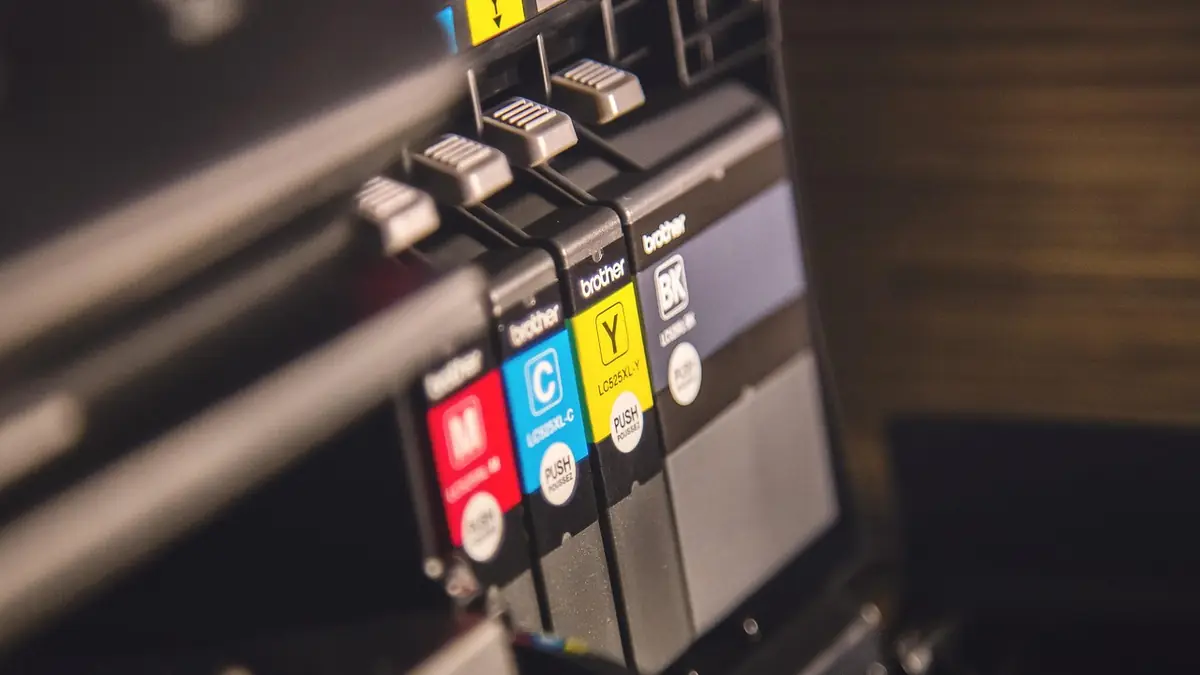
Cost per page is the number that decides this argument. Mono laser printing typically costs $0.02 to $0.05 per page using standard-yield toner, and $0.01 to $0.03 with high-yield cartridges. Inkjet printing with standard cartridges can run $0.08 to $0.20 per page, and colour inkjet pages often cost more. These are ranges, not guarantees, but they hold across most consumer and small-office models.
The gap narrows with inkjet tank printers, which use refillable reservoirs instead of cartridges. Tank models cost $200 to $400 upfront but bring colour cost per page down to roughly $0.01 to $0.03, and mono to under a cent. For a business printing a lot of colour, a tank inkjet can genuinely beat a colour laser on running costs.
For a deeper breakdown of how page costs stack up across printer types, see our guide to real printing costs per page. The takeaway is simple: standard-cartridge inkjets are expensive to run, tank inkjets are cheap to run, and laser toner sits comfortably in the middle with excellent reliability.
- Mono laser: $0.02–$0.05 per page
- Inkjet cartridges: $0.08–$0.20 per page
- Inkjet tank models: $0.01–$0.03 per page
- Colour laser: $0.08–$0.20 per page
Three-Year Total Cost of Ownership
Suppose your business prints 1,000 mono pages and 200 colour pages a month, or 43,200 pages over three years. With a $150 inkjet at $0.12 average per page, you spend about $5,184 in consumables plus the printer. A $250 mono laser at $0.03 per page costs about $1,296 in toner, but it cannot print colour, so you would add a colour device or outsource colour work.
A $350 colour laser at a blended $0.10 per page runs about $4,320 over three years. A $350 tank inkjet at a blended $0.02 per page runs about $864. The tank inkjet wins on paper, but colour lasers generally print faster, handle heavier paper stocks better and sit idle for weeks without clogged heads.
Then there is maintenance. Laser printers need occasional drum replacement, typically every 10,000 to 30,000 pages at $50 to $150. Inkjets need printhead cleaning, waste ink pads and more frequent intervention if they sit unused. Neither is free, but laser downtime tends to be lower in an office where the printer is shared.
| Printer type | Upfront cost | Cost per page (blended) | 3-year consumables | Best for |
|---|---|---|---|---|
| Budget inkjet (cartridges) | $80–$150 | $0.10–$0.15 | $4,300–$6,500 | Very low volume, occasional colour |
| Inkjet tank model | $200–$400 | $0.01–$0.03 | $430–$1,300 | Medium volume, colour-heavy work |
| Mono laser | $120–$300 | $0.02–$0.05 | $860–$2,160 | High-volume text, shared office |
| Colour laser | $250–$600 | $0.08–$0.15 | $3,450–$6,500 | Fast colour, heavy paper stocks |
| Photo inkjet | $200–$500 | $0.15–$0.30 | $6,500+ | Photo and fine-art output |
Speed, Duty Cycle and Office Reality
Laser printers are fast. A small-office mono laser prints 25 to 40 pages per minute, and the first page appears in 6 to 10 seconds. Inkjets typically manage 8 to 15 pages per minute for text and much slower for graphics, with first-page times of 15 to 30 seconds. If three people are waiting to grab a quote before a client meeting, that difference is felt.
Duty cycle matters just as much. Laser printers are built with metal frames and rated for 10,000 to 50,000 pages a month, with recommended volumes of 500 to 3,000. Consumer inkjets often carry maximum duty cycles of 1,000 to 3,000 pages and recommended volumes under 500. Running an inkjet at office volume is the fastest way to shorten its life.
Inkjets also dislike neglect. Leave one idle for three weeks and you may return to clogged nozzles and a cleaning cycle that consumes ink. Laser toner does not dry out, which makes lasers the safer choice for a printer that sees bursts of activity rather than steady daily use.
- Laser: 25–40 ppm mono, 6–10 s first page
- Inkjet: 8–15 ppm text, 15–30 s first page
- Laser duty cycles: 10,000–50,000 pages/month
- Inkjets clog when idle; toner does not dry out
Where Inkjets Still Win
Inkjets dominate colour quality for photos and graphics. A good photo inkjet with six or more inks produces prints that no office colour laser can match, which matters if you sell art prints, produce marketing materials or run a design studio. Our guide to choosing a printer for giclée-quality prints covers what to look for in that space.
Inkjet tank models also win on colour cost for low-to-medium volumes, and they take up less desk space than most colour lasers. If your business prints 300 to 800 pages a month with a healthy share of colour, a tank inkjet is often the cheapest sensible option. Small creative businesses, in particular, get more flexibility from an inkjet than a mono laser.
There are niche cases too. Printing cheques safely at home or in a small office is often done on inkjet because of magnetic ink and software requirements, a process covered in our step-by-step guide to printing checks safely at home. For apparel businesses, the choice is different again, as explained in how to choose a DTG printer.
How to Decide for Your Business
Start with volume and colour mix. Under 300 pages a month with light colour, a tank inkjet or a cheap mono laser both work. Between 300 and 1,000 pages with regular colour, a tank inkjet is usually the value pick. Above 1,000 pages, especially with heavy mono text, a laser is the more durable and predictable machine.
Then consider who uses it. A shared office printer that runs all day favours laser for speed and reliability. A single-user desk printer that prints in bursts can live with an inkjet, provided it is used regularly. If you need photo-quality output or print on specialty media, inkjet is the only real option.
Finally, budget for consumables honestly. High-yield toner and tank refills cut costs dramatically, and third-party supplies can halve them again at some risk to print quality and warranty. Whatever you choose, factor in the cost of the pages you will actually print, not the price tag on the box.
- Purchase price is misleading; consumables dominate three-year costs.
- Tank inkjets are cheapest to run at medium volume with colour.
- Laser printers win on speed, duty cycle and idle reliability.
- Match the machine to your monthly volume and colour mix, not the sticker price.
Sarah has spent over a decade testing and reviewing printers for homes and small businesses. She focuses on practical buying advice, cost analysis, and helping readers avoid common printing pitfalls. Her experience spans inkjet, laser, and specialty printers.