Scrapbooking Printers: What to Look For and What to Avoid
By Sarah Mitchell · Published · Updated · 4 min read
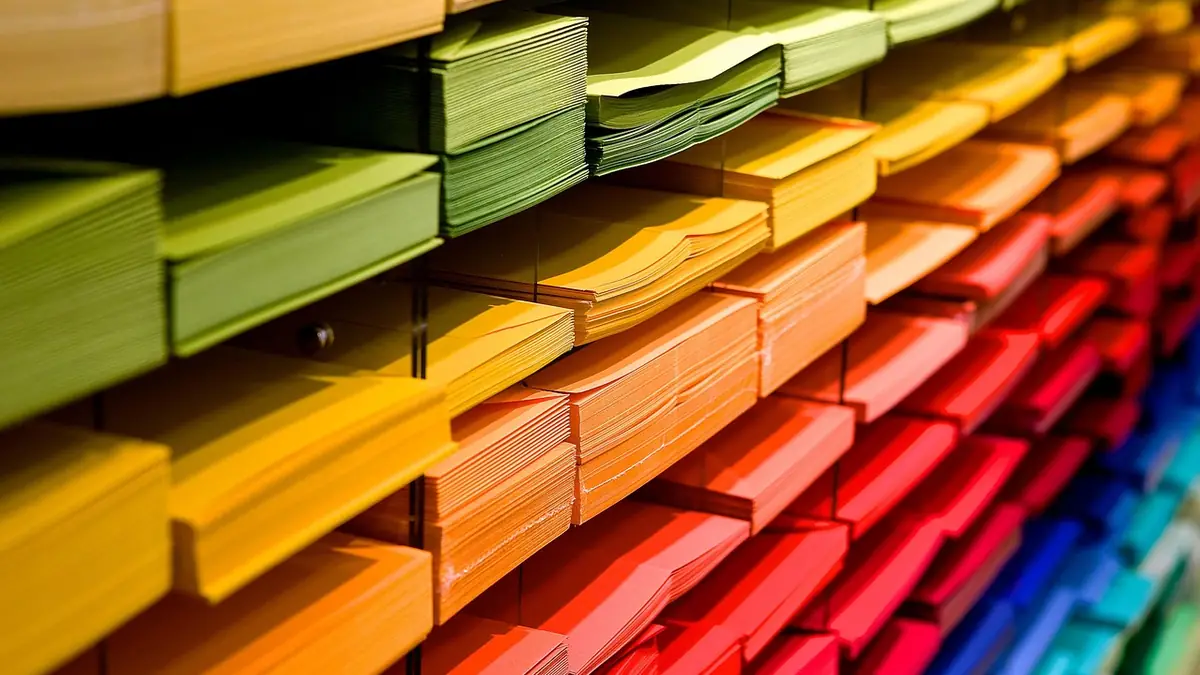
Scrapbooking is about preserving memories, and the printer you choose can make or break your layouts. Whether you're printing photos, journaling cards, or embellishments, the wrong printer can lead to faded colors, jammed cardstock, or ink that smears. This guide cuts through the marketing hype and focuses on what actually matters for crafters.
We'll cover the key features to look for, the specs that often get overlooked, and the trade-offs between different printer types. You'll also find a comparison table and chart to help you weigh your options. By the end, you'll know exactly what to prioritize for your scrapbooking needs.
Photo Quality: Resolution and Color Accuracy
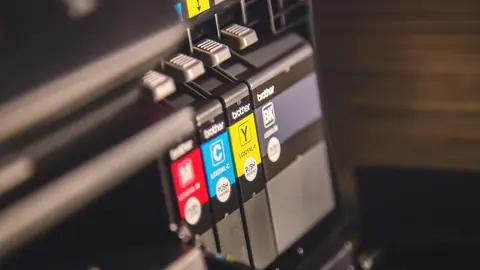
For scrapbooking, photo quality is paramount. Look for a printer with a maximum resolution of at least 4800 x 1200 dpi, which is common in dedicated photo printers. Higher resolution means finer detail, especially important for small photos and intricate designs. But resolution alone isn't everything—color accuracy matters just as much. Printers with individual ink cartridges (cyan, magenta, yellow, black, and often additional colors like photo black or gray) tend to produce more accurate colors and smoother gradients.
Check for support of ICC profiles or at least good out-of-box color calibration. Many mid-range photo printers now offer six or more ink colors, which can significantly improve skin tones and subtle shades. If you often print black-and-white photos, a printer with a dedicated gray ink will avoid the slight color cast that can occur when using composite black. Reviews and sample prints are your best bet—look for printers praised for color fidelity in independent tests.
- Minimum 4800 x 1200 dpi for sharp detail
- Individual ink cartridges for accurate color
- Six or more ink colors for smoother gradients
- Dedicated gray ink for neutral black-and-white prints
Media Handling: Cardstock, Specialty Papers, and Thickness
Scrapbooking often involves printing on cardstock, vellum, sticker paper, and other specialty media. Not all printers handle these well. Check the printer's supported media weight—look for at least 200 gsm (grams per square meter) for cardstock. Many standard inkjets max out at 120-150 gsm, which can lead to jams or poor feed. Photo printers with straight-through paper paths or rear feed trays are generally better for thick media.
Also consider the maximum media size. While most scrapbook layouts use 12x12-inch paper, printers that handle 8.5x11 or A4 are common; for larger prints, you'll need a wide-format printer. However, you can print on smaller sheets and adhere them to your layout. Specialty media support—such as printable fabric, magnetic sheets, or adhesive-backed paper—is a bonus but not essential. Always test with your chosen media before committing to a printer.
- Supports cardstock up to 200 gsm or more
- Rear feed or straight-through path for thick media
- Maximum media size: at least 8.5x11 inches
- Optional: support for printable fabric or sticker paper
Ink Type and Archival Quality
Scrapbooks are meant to last, so archival quality is crucial. Pigment inks generally offer better fade resistance than dye inks, often lasting 100+ years under proper storage conditions. However, pigment inks can be more expensive and may not produce as vibrant colors on glossy paper. Dye inks, on the other hand, excel on glossy photo paper but may fade faster, especially when exposed to light and ozone.
Look for printers that use pigment inks or dye inks with high fade resistance ratings. Some manufacturers offer archival-grade inks in their photo printers. Also consider ink cost and availability—third-party inks may be cheaper but can void your warranty and may not be archival. If longevity is a top priority, choose a printer with pigment inks and use manufacturer-recommended papers for best results.
- Pigment inks for maximum fade resistance
- Dye inks for vibrant colors on glossy paper
- Look for fade resistance ratings (e.g., 100+ years)
- Use manufacturer-recommended papers for archival quality
Print Speed and Volume: What's Realistic
Scrapbooking isn't usually about high-volume printing, but you'll still want reasonable speed. Photo printers often take 1-3 minutes for a 4x6 photo at highest quality, while standard inkjets might be faster but with lower quality. If you print frequently, consider a printer with a dedicated photo paper tray to avoid swapping paper constantly.
For occasional crafters, speed is less critical. But if you're printing many photos for a single album, a faster printer can save time. Be aware that print speeds quoted by manufacturers are often for draft mode; photo-quality prints will be much slower. Check independent reviews for real-world print times.
- 1-3 minutes per 4x6 photo at best quality is typical
- Dedicated photo tray saves time and hassle
- Manufacturer speeds are often for draft mode
- Consider print volume if making multiple albums
| Printer Type | Photo Quality | Media Handling | Ink Type | Typical Cost |
|---|---|---|---|---|
| Dedicated Photo Printer | Excellent (6+ inks) | Good (up to 300 gsm) | Dye or pigment | $150-$500 |
| All-in-One Inkjet | Good (4-5 inks) | Moderate (up to 200 gsm) | Dye | $80-$300 |
| Wide-Format Printer | Excellent | Excellent (up to 1.2mm) | Pigment | $500-$1500 |
| Tank System Printer | Good | Moderate | Dye or pigment | $200-$500 |
Cost of Ownership: Ink, Paper, and Maintenance
The initial printer price is just the beginning. Ink costs can vary widely: some printers use expensive cartridges with low yields, while others offer high-capacity tanks or individual ink bottles. For scrapbooking, you'll likely print a mix of photos and text, so consider both photo and document printing costs. A printer with inexpensive third-party ink options might be tempting, but archival quality could suffer.
Paper costs also add up, especially if you use specialty scrapbooking paper. Maintenance—like printhead cleaning—can waste ink, particularly if the printer sits unused for long periods. Inkjet printers that are used infrequently may clog, so consider a printer with self-cleaning features or one that's known for reliability. Calculate cost per print for both photos and documents to get a true picture.
- Compare ink yields and cost per print
- Consider tank systems for low-cost printing
- Factor in specialty paper costs
- Choose a printer with good reliability to avoid clogs
Connectivity and Ease of Use
Modern printers offer Wi-Fi, USB, and sometimes Bluetooth. For scrapbooking, Wi-Fi is convenient for printing from phones or tablets, especially if you use apps for photo editing. But ensure the printer supports direct printing from mobile devices without a computer. Some printers also have memory card slots or USB ports for direct printing from cameras.
Ease of use matters: a printer with a clear touchscreen and intuitive menus makes setup and operation smoother. Also consider the printer's footprint—scrapbooking often happens in a dedicated craft room where space is limited. Compact printers with foldable trays are a plus. If you're tech-savvy, you might also look for print-and-cut machines that combine printing with cutting, but those are separate devices.
- Wi-Fi for easy printing from mobile devices
- Touchscreen interface for simpler operation
- Compact design with foldable trays
- Direct printing from memory cards or USB
- Prioritize a printer with at least 4800 x 1200 dpi and individual ink cartridges for accurate colors.
- Check media handling: ensure it supports cardstock up to 200 gsm and has a rear feed for thick paper.
- For archival quality, choose pigment inks or high fade-resistance dye inks, and use manufacturer papers.
- Consider total cost of ownership: tank systems can drastically reduce ink costs for frequent printing.
Sarah has spent over a decade testing and reviewing printers for homes and small businesses. She focuses on practical buying advice, cost analysis, and helping readers avoid common printing pitfalls. Her experience spans inkjet, laser, and specialty printers.